
About Foresight ERP
A flexible ERP for mid-market finance teams
Run accounting, month-end, and consolidation in one system. Automate regular work and build reports from the same finance data.
Core finance
Accounting through close
Flexible workflows
Change triggers, steps, and approvals
Reporting
Build dashboards from ERP data
Multi-entity
Company and group finance
Why Foresight exists
Growing finance teams need more than basic accounting software.
More companies, currencies, and approvals mean more reconciliations, tax work, and month-end checks. Teams often manage that work in separate spreadsheets because their accounting software cannot handle it.
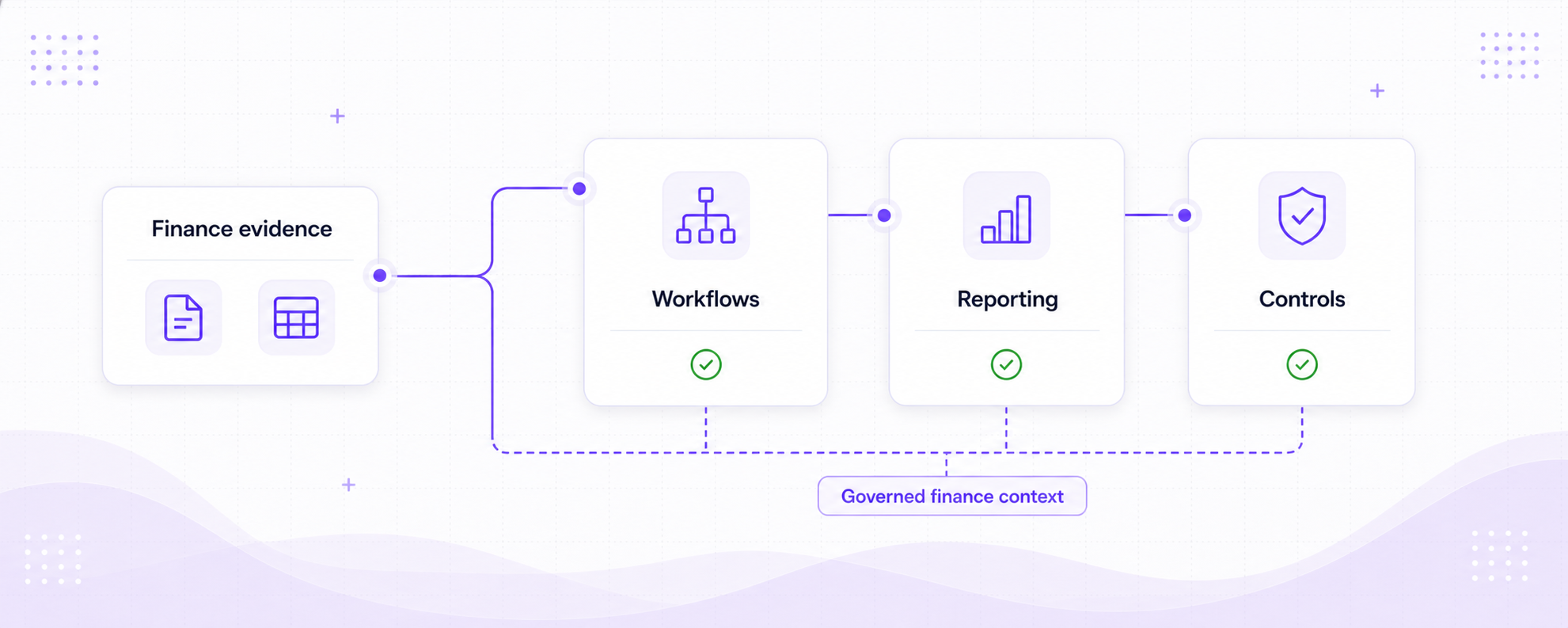
Foresight ERP keeps accounting, workflows, and reporting in the same product. Finance teams can automate regular tasks, review exceptions, and build reports from records already in the system.
Run the main finance processes
Manage the ledger, invoices, banking, tax, assets, month-end, and consolidation in Foresight ERP.
Change how the work runs
Choose what starts a workflow, what each step does, where exceptions go, and who approves the result.
Build your own reports
Create dashboards from ERP data, add filters and detail, then publish the version that readers should use.
Finance controls
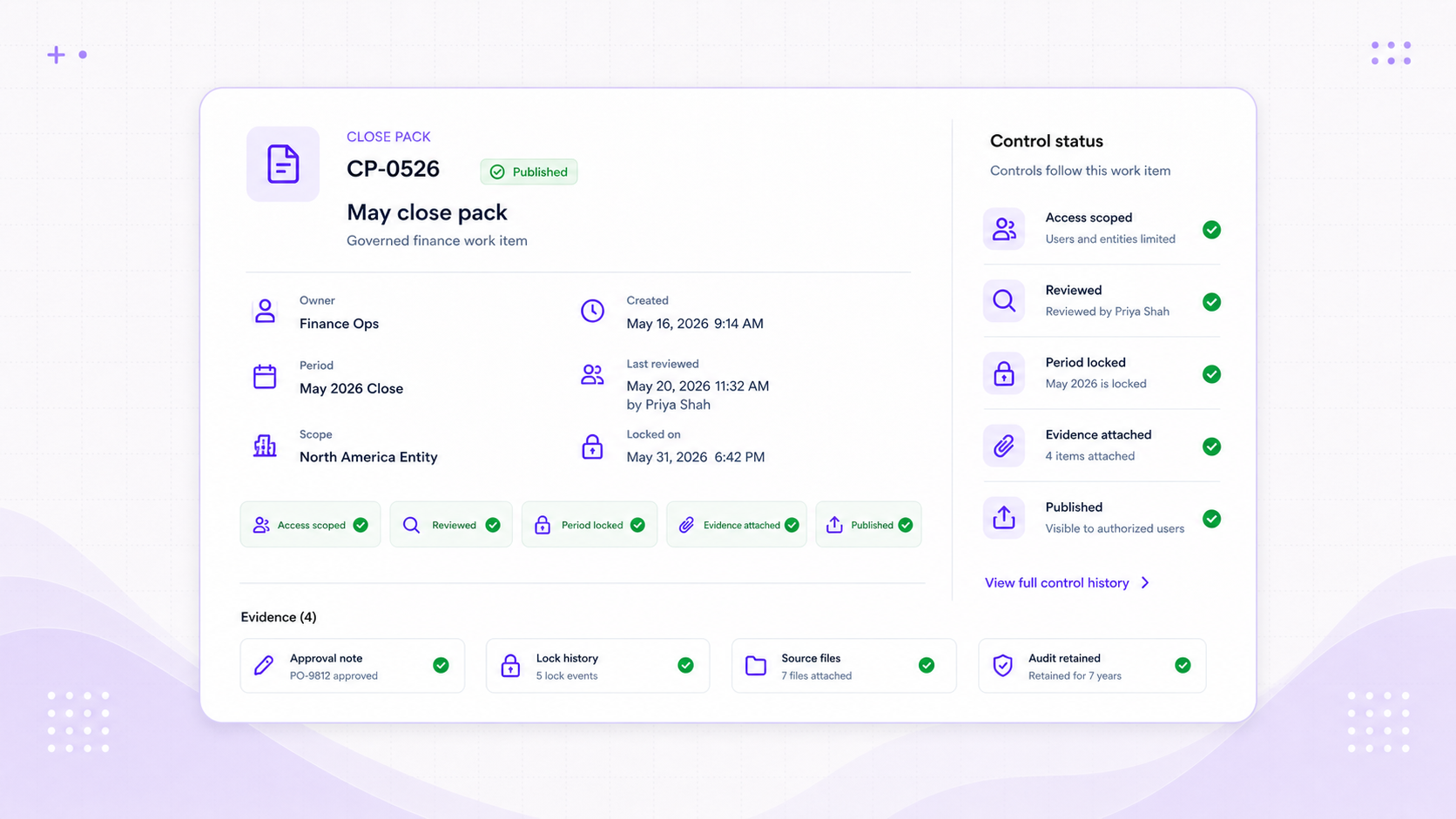
Decide who can act, who must approve, and when the books are closed.
Access
Permissions
Give people the access their role needs
Set access by company and action, from viewing records to posting transactions or approving invoices.
Approve
Review
Keep approval separate from preparation
Drafts, approval steps, and published versions make it clear who can prepare work and who can make it final.
Period
Month-end
Lock the books when the month is done
Period locks stop new postings into a closed month until a user with the right permission reopens it.
History
Audit trail
See what changed and where it came from
Source files, workflow runs, approvals, and record history remain available when the work needs checking.
Automation
Automate the work you repeat every month.
A workflow can start from a file, a schedule, an ERP event, a webhook, or a manual run. It can check data, prepare records, and route exceptions while finance keeps the final decision.
Start
Choose what starts the work
Run a workflow manually, on a schedule, from a spreadsheet, through a webhook, or from a supported ERP event.
Prepare
Create the draft
Check source data, map fields, and prepare invoices, journals, or other finance records for review.
Review
Send exceptions to a person
Route missing data and unexpected results for review instead of burying them inside the run.
Trace
See what the workflow did
Each run records its status, the files it used, the step that failed, and the records it created.
Multi-entity finance
Keep each company’s books separate and report across the group.
Each company keeps its own accounts, currency, customers, suppliers, tax records, and periods. When group accounts are needed, Foresight uses the member companies’ balances for currency translation, eliminations, close, and group reporting.
Companies
Keep each company’s books separate
Each entity has its own accounts, customers, suppliers, bank accounts, tax records, currency, and periods.
Group
Consolidate the group accounts
Map local accounts, translate balances, review intercompany differences, post eliminations, and close the consolidation.
Reports
Report at company or group level
Build dashboards for a company or consolidation, then publish the version that readers should use.