
Reporting
Build finance dashboards from ERP data.
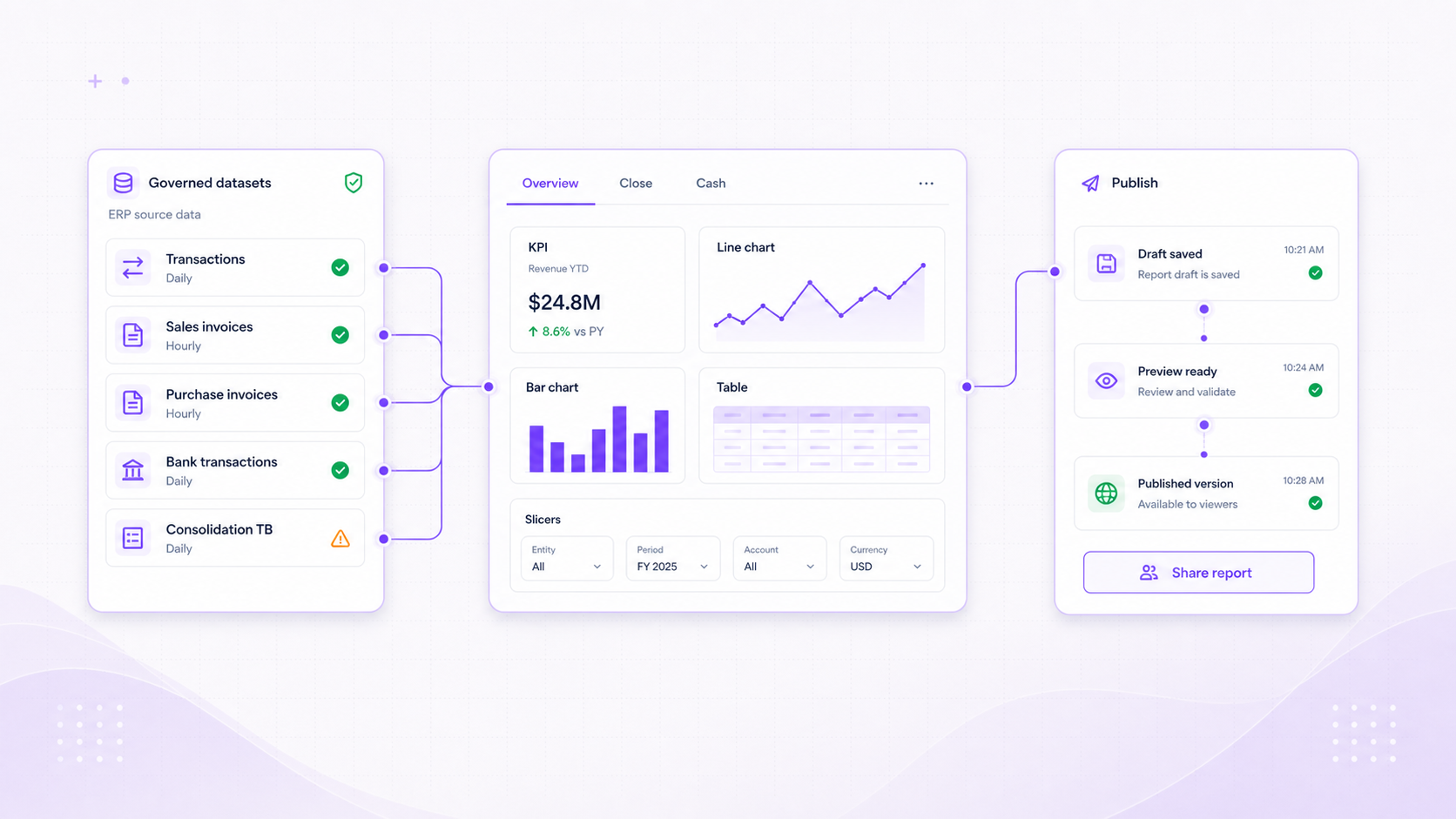
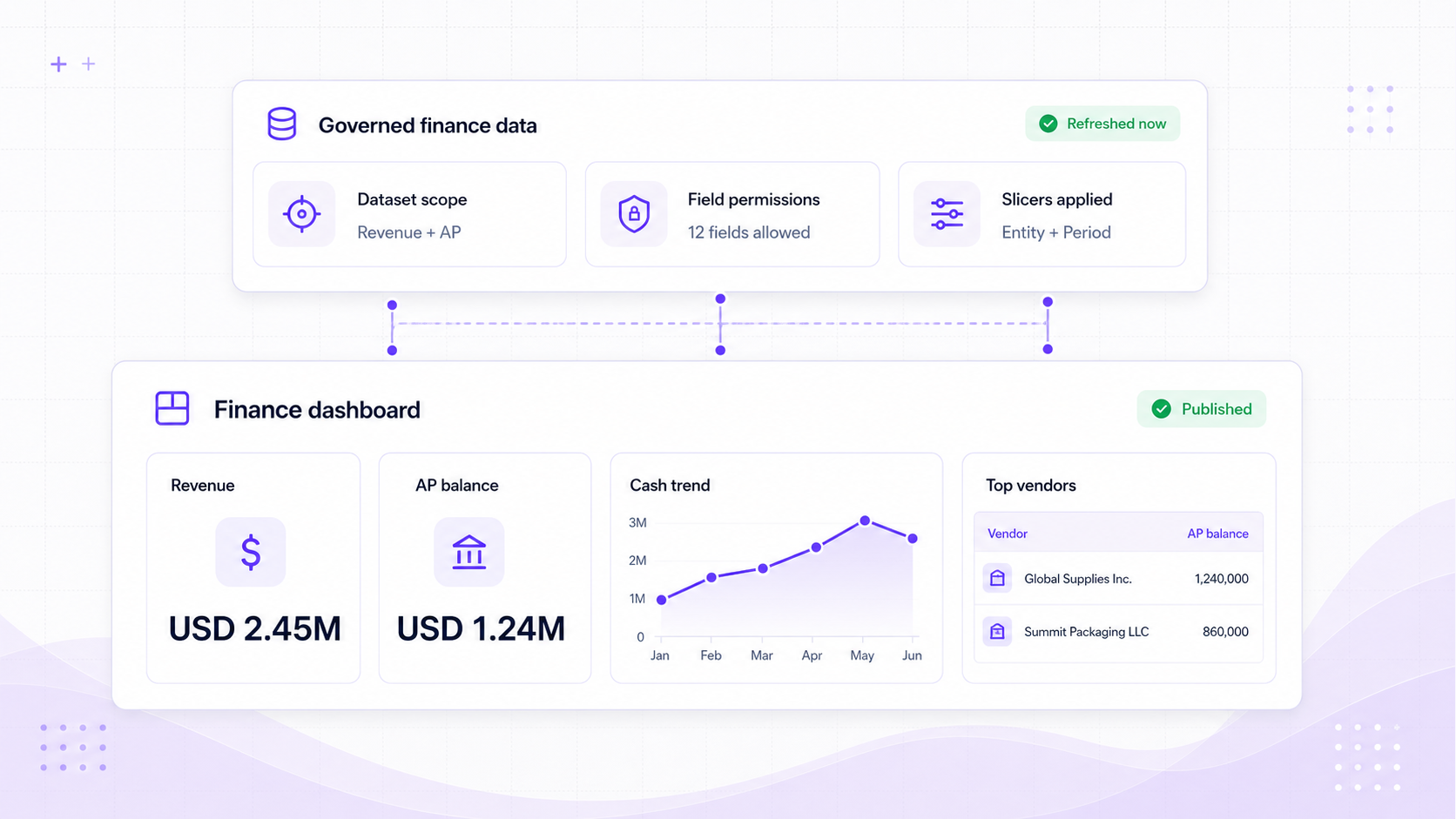
Build dashboards from ERP datasets using KPI cards, charts, tables, slicers, and AI-assisted editing. Publish the reviewed version and keep the figures current through automatic data refreshes.
Report builder
Compose the dashboard finance actually needs.
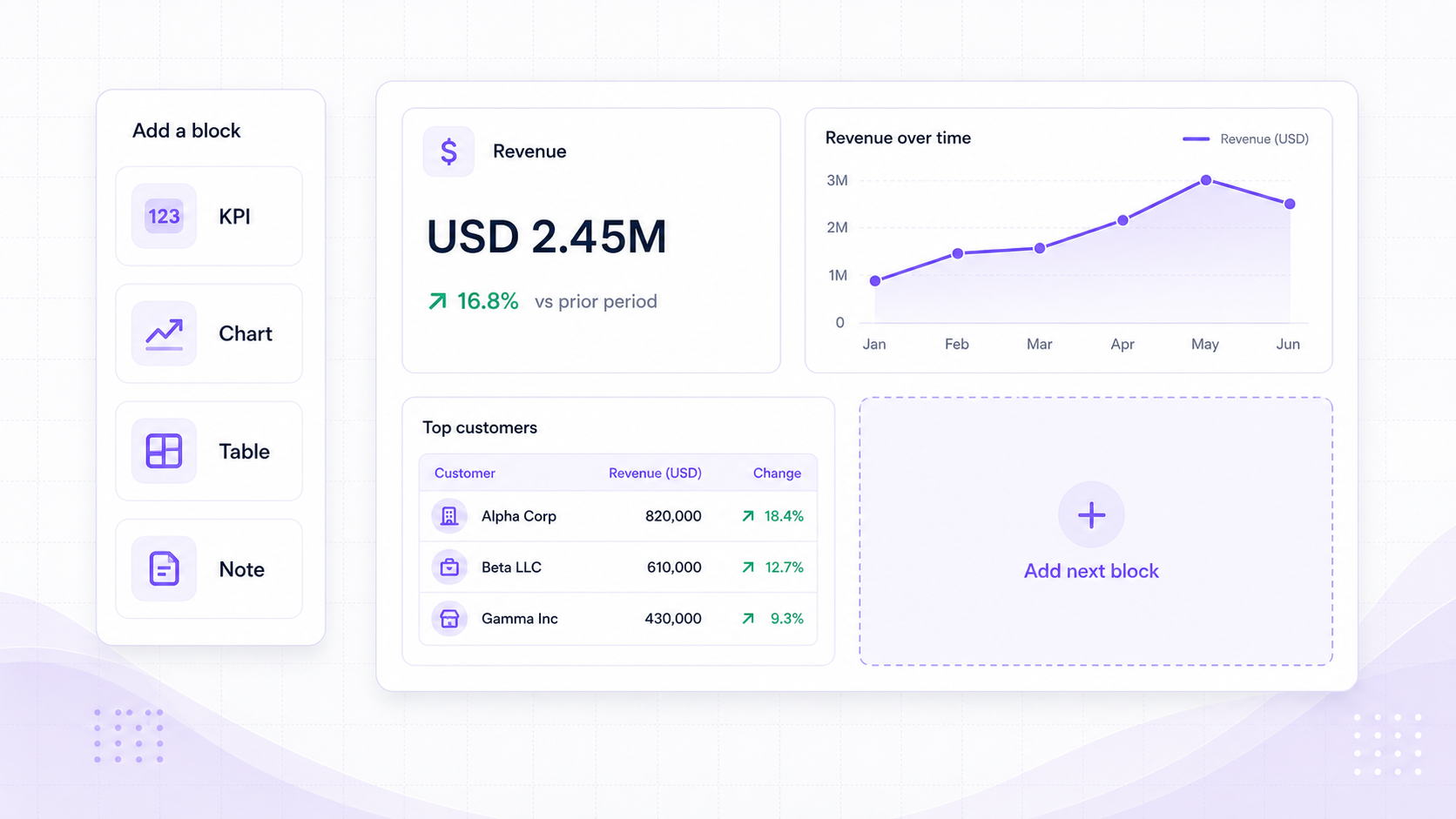
Reporting is built as a flexible dashboard canvas, not a fixed report list. Teams can assemble the metrics, tables, slicers, and commentary that match how they review the business.
Blocks
Dashboard canvas
Compose KPI, table, bar, line, area, donut, slicer, and commentary blocks across report tabs.
Data
Governed dataset catalogue
Build from scoped ERP datasets including transactions, invoices, orders, bank activity, transaction lines, tags, and consolidation balances.
Preview
Live card results
Preview cards, apply slicers, paginate tables, and validate the report definition before finance publishes it.
AI-assisted composition
Ask for the report. Review the structure before it goes live.
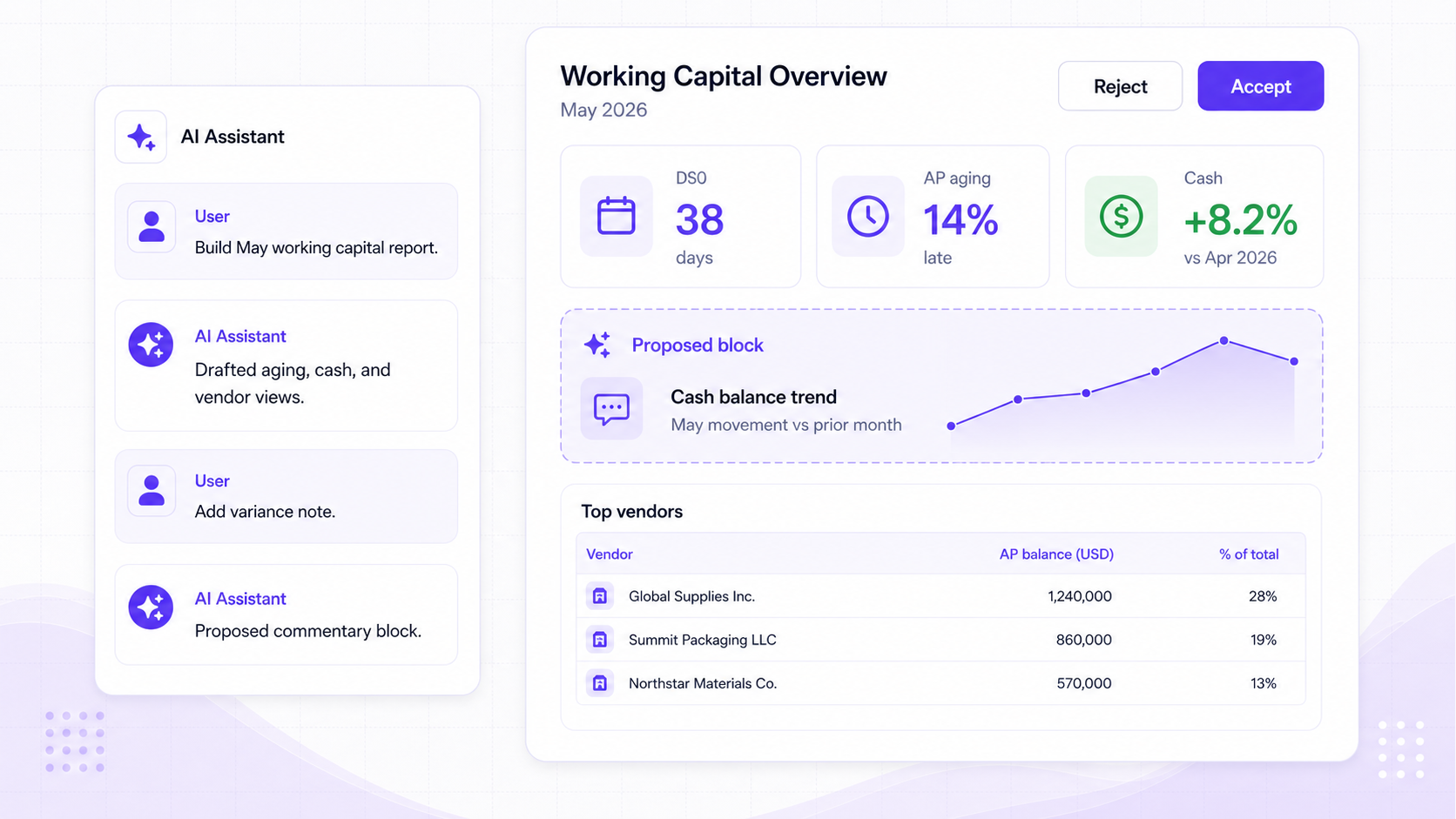
Report AI works against the current draft, selected tab, dataset catalogue, and report context so teams can move from intent to usable dashboard faster.
Brief
Design brief to report draft
Report AI can turn a finance reporting request into proposed tabs, cards, filters, slicers, and layout changes.
Patch
Structured edits, not hidden magic
AI runs keep tool timelines, patch summaries, assumptions, and repair steps visible against the current draft.
Review
Finance keeps the publish decision
Teams can inspect, retry, stop, clear context, and publish only when the report is ready.
Publishing control
Fast editing with a controlled publishing model.
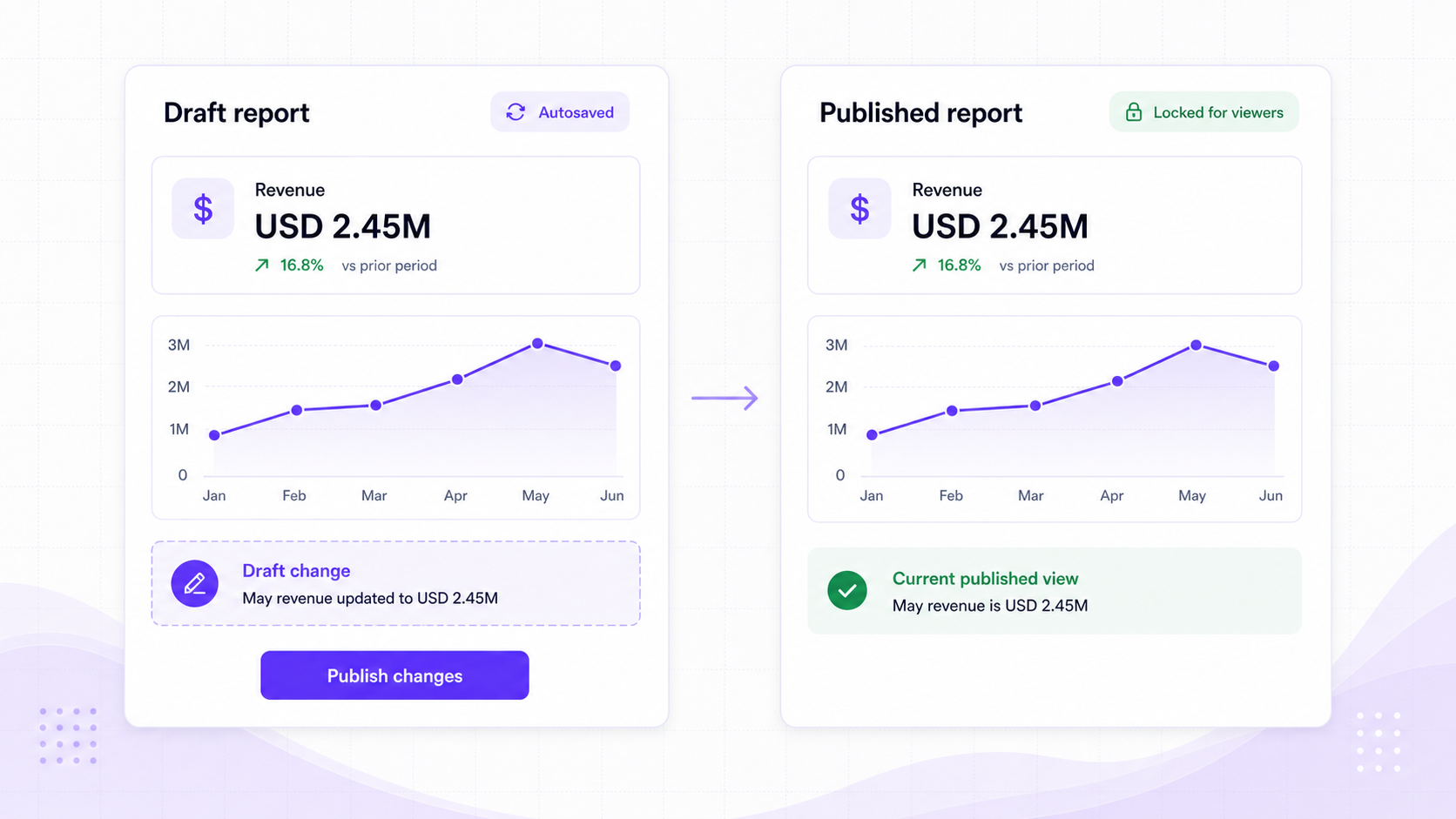
Reports can evolve through draft changes, validation, and AI-assisted edits while published dashboards remain stable for viewers.
Draft
Autosaved report versions
Draft versions preserve tabs, cards, filters, settings, validation errors, and autosave revisions while work is in progress.
Publish
Controlled published dashboards
Published versions become the viewer-facing report while the next draft can continue separately.
Run
Refresh, cache, and export context
Report results update automatically against the report definition and active filters, with export status and filter context retained.
From report draft to published dashboard
Reporting that changes as quickly as finance questions do.
Teams can build, review, refresh, and publish dashboards without separating reporting design from ERP permissions and finance governance.
Edit the draft while the published report stays stable
Edit locks, autosave, validation, drafts, and publish state keep collaboration deliberate.
Dashboards use scoped ERP datasets
Dataset scope, field permissions, slicers, and card execution protect what each report can show.
Finance reviews what AI prepares
Report AI can shape dashboards and repair drafts; the team decides when the report is ready to publish.
Finance reporting
Give finance a reporting workspace they can shape and trust.
Build dashboards from scoped ERP datasets, use AI to prepare the draft, and publish the version finance has reviewed.